
📦 8個のスキルのパック
パック:Claudeのアニメーション10スタイル、スタイルごとのプロンプト付き
ピクセルアート、切り絵、設計図、ネオン、フラットベクター、アメコミ、黒板アート、クレイアニメ、リソグラフ、水彩。それぞれに参考画像と、ワンクリックでコピーできるプロンプトが付いています。
コピーしてAIに貼り付け
リンクひとつでパックのスキルがすべて届きます。AIが各SKILL.mdを読み、あなたのタスクで指示に従います。
貼り付け用メッセージ
この8個のスキルのパックを使って手伝ってください: https://www.useskillpedia.com/pack/10-claude-animation-styles.md
このファイルを読み、記載されている各SKILL.mdを開いて、すべてのスキルの指示に従って私のタスクを進めてください。
ターミナルで(Claude Code、Codex、Cursor)
プロジェクトのフォルダで実行すると、まとめてインストールできます。
npx skills add NousResearch/hermes-agent --skill pixel-art
npx skills add heygen-com/hyperframes --skill hyperframes
npx skills add calesthio/OpenMontage --skill motion-graphics
npx skills add nexu-io/open-design --skill huashu-art-motion
npx skills add nexu-io/open-design --skill sprite-animation
npx skills add sickn33/agentic-awesome-skills --skill claymorphism
npx skills add NousResearch/hermes-agent --skill excalidraw
npx skills add sickn33/agentic-awesome-skills --skill threejs-animation
10個のプロンプト
使いたいスタイルのプロンプトをコピーし、[DESCRIBE YOUR SCENE HERE] を自分のシーンに書き換えてAIに貼り付けてください。
10スタイルをまとめてAIに入れたい?
このメッセージをコピーしてAIに貼り付け、使いたいスタイルを伝えてください。
https://raw.githubusercontent.com/pahesilva1/skillpedia-skills/main/claude-animation-styles/SKILL.md を読んで、その指示に従ってください。このシーンを [スタイル名] スタイルでアニメにして:[シーンの説明]。
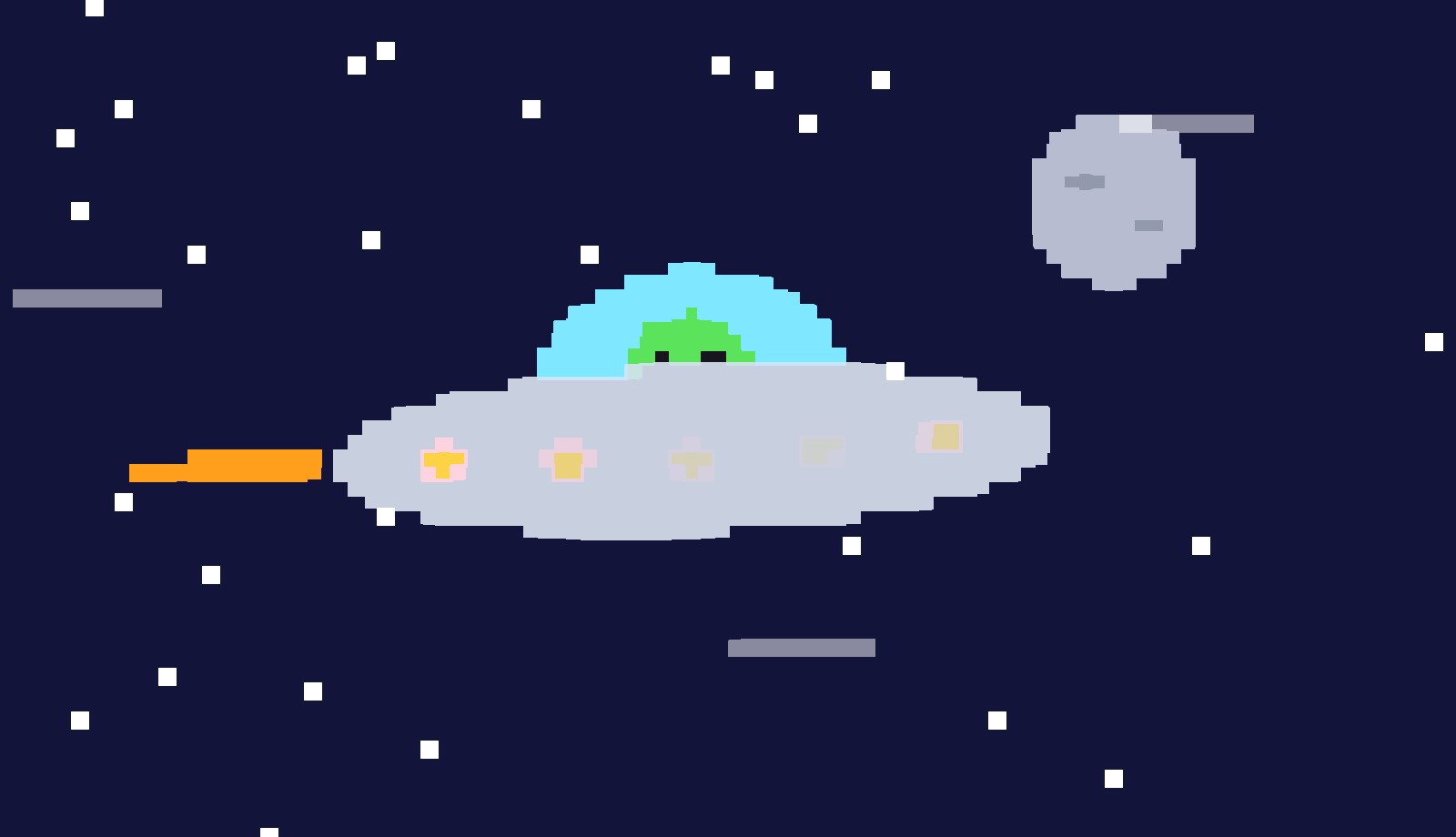
01Pixel Art
Make an animated scene as ONE self-contained HTML file (inline SVG + vanilla JavaScript, no libraries, no external images or fonts), 16:9, looping every 6 seconds. Scene: [DESCRIBE YOUR SCENE HERE]. Draw every character and object from simple SVG shapes (ellipses, rounded rectangles, paths, thick round-capped lines for arms and legs). Drive everything from one time variable so the loop is seamless. Style: PIXEL ART. Flat colors only, no outlines and no gradients. Snap the whole drawing to an 8-px grid with an SVG mosaic filter: feFlood (x=3 y=3 width=2 height=2) → feComposite (width=8 height=8) → feTile → feComposite in=SourceGraphic operator=in → feMorphology dilate radius=4. The filter must use filterUnits="userSpaceOnUse" covering the whole frame, and the group needs shape-rendering="crispEdges". Use a small retro-console palette (deep navy background, 12 to 16 saturated colors). Animate at 12 frames per second and move things in whole-pixel steps. Stars are single 8-px squares.
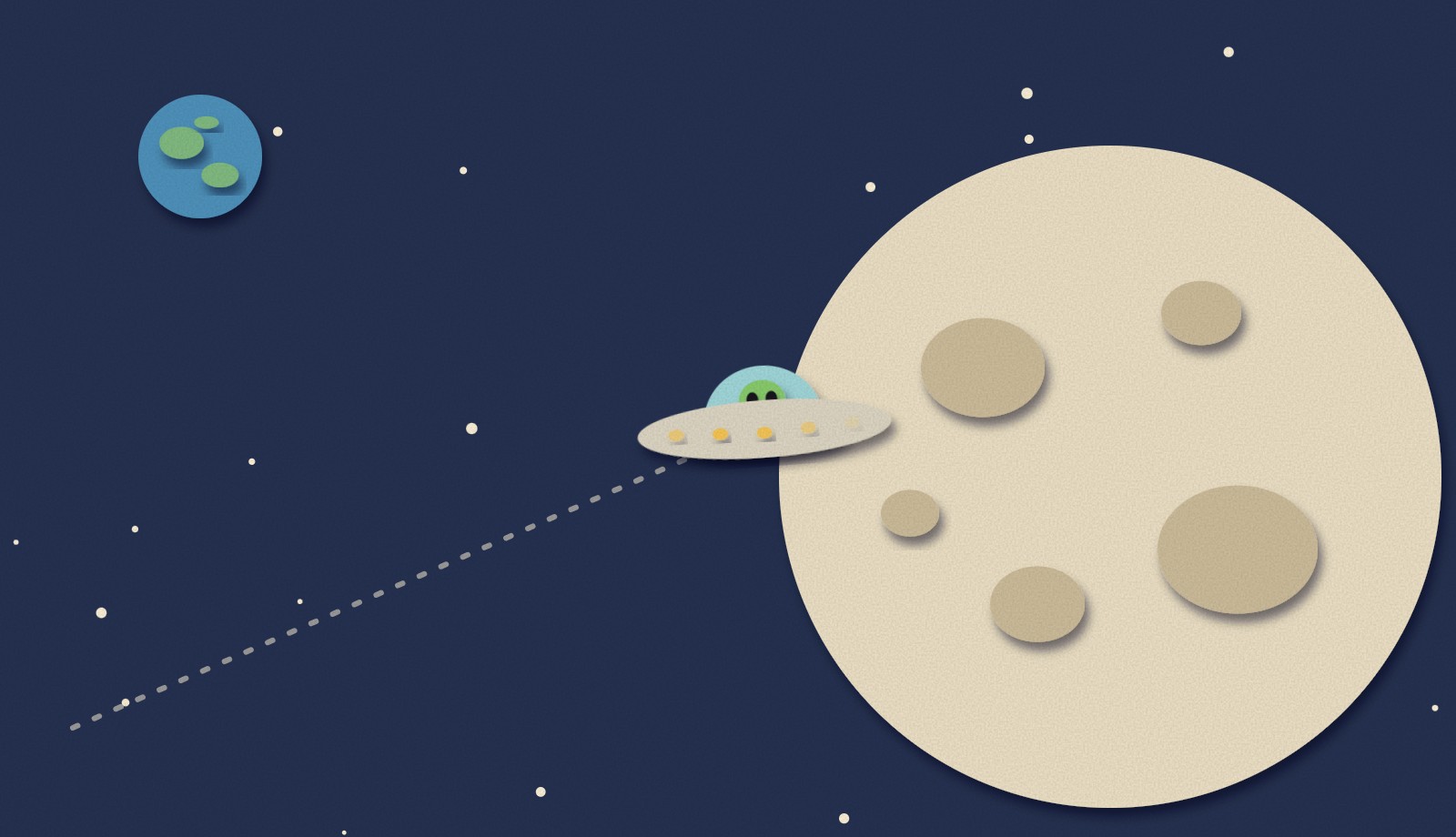
02Paper Cutout
Make an animated scene as ONE self-contained HTML file (inline SVG + vanilla JavaScript, no libraries, no external images or fonts), 16:9, looping every 6 seconds. Scene: [DESCRIBE YOUR SCENE HERE]. Draw every character and object from simple SVG shapes (ellipses, rounded rectangles, paths, thick round-capped lines for arms and legs). Drive everything from one time variable so the loop is seamless. Style: PAPER CUTOUT. Every shape is a piece of cut paper: flat muted colors (kraft, cream, dusty blue, sage, mustard), no outlines. Give each layer a soft drop shadow (feDropShadow dx=2.5 dy=5 stdDeviation=2.6, dark, 50% opacity) so the layers look stacked on a table. Add a paper-grain overlay on top (feTurbulence fractalNoise baseFrequency=0.9, blended with multiply at about 50%). Animate on twos (12 fps) like stop motion: layers slide, tilt and rotate, they never morph.
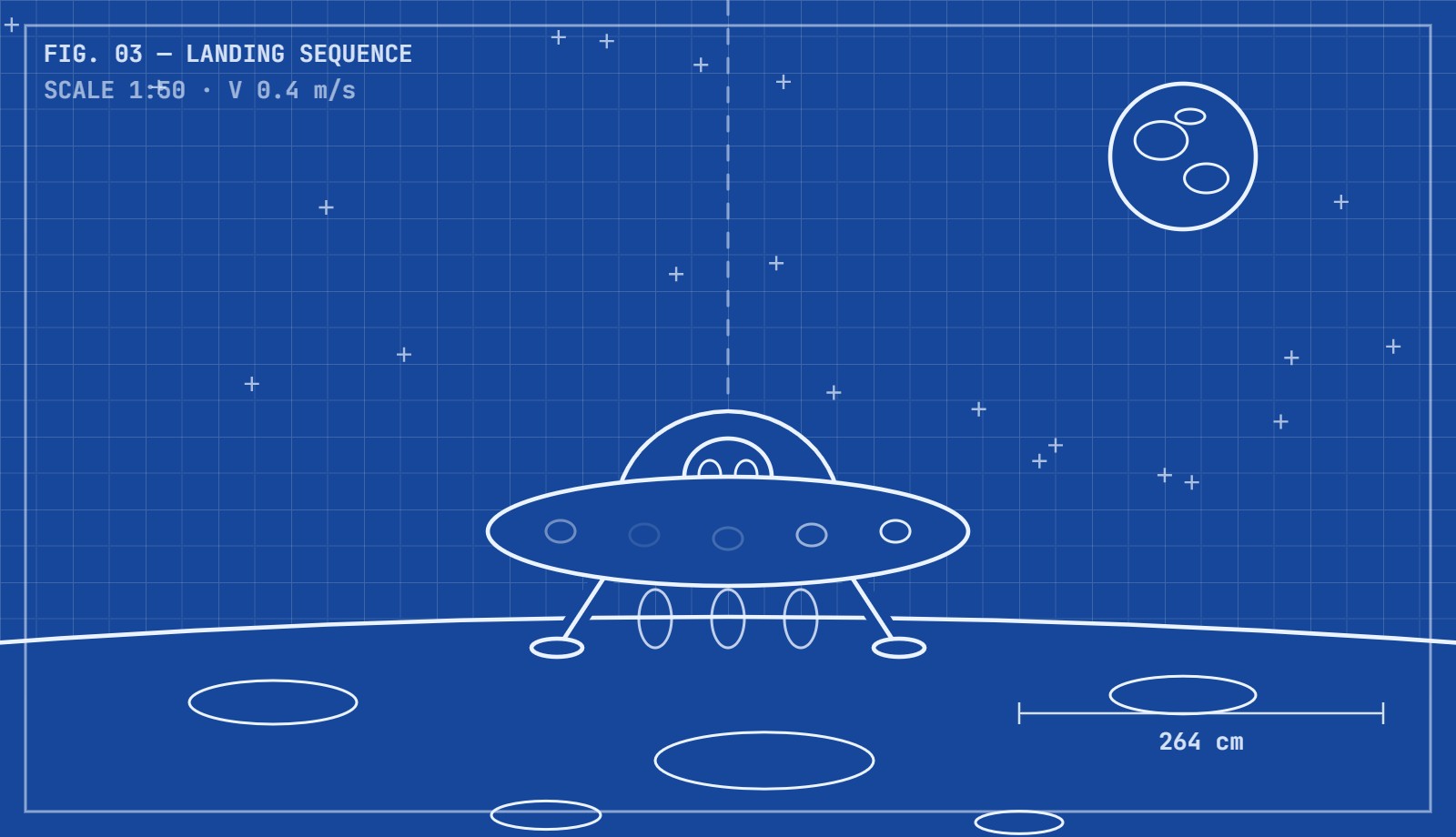
03Blueprint
Make an animated scene as ONE self-contained HTML file (inline SVG + vanilla JavaScript, no libraries, no external images or fonts), 16:9, looping every 6 seconds. Scene: [DESCRIBE YOUR SCENE HERE]. Draw every character and object from simple SVG shapes (ellipses, rounded rectangles, paths, thick round-capped lines for arms and legs). Drive everything from one time variable so the loop is seamless. Style: BLUEPRINT. A technical drawing on blueprint paper: background #17479A with a 40-px white grid at 16% opacity and a finer 20-px grid at 7%. Draw everything as thin white outlines (2.3 px, round joins); fill shapes with the background color so they hide the lines behind them. Add dashed construction lines, dimension lines with measurements, a thin frame, and a title block such as "FIG. 01 — LANDING SEQUENCE" in a monospace font with a live readout (speed, scale). Smooth 30 fps motion, like an engineering simulation.
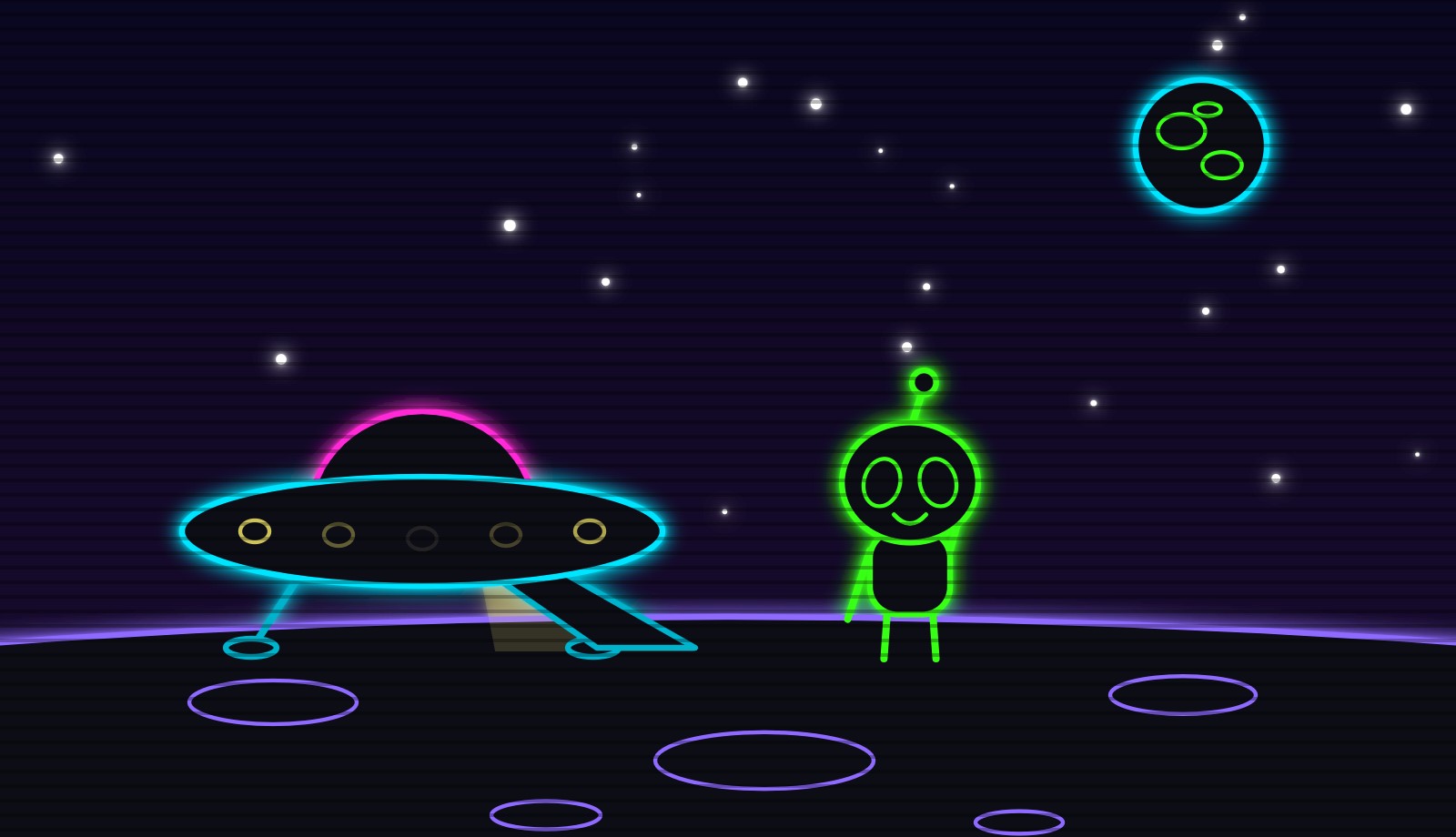
04Neon
Make an animated scene as ONE self-contained HTML file (inline SVG + vanilla JavaScript, no libraries, no external images or fonts), 16:9, looping every 6 seconds. Scene: [DESCRIBE YOUR SCENE HERE]. Draw every character and object from simple SVG shapes (ellipses, rounded rectangles, paths, thick round-capped lines for arms and legs). Drive everything from one time variable so the loop is seamless. Style: NEON. Dark night background (vertical gradient #0A0720 to #1A0B2E). Everything is glowing neon tubing: colored outlines 3 px wide (magenta #FF2BD6, cyan #00E5FF, lime #39FF14, yellow #FFF36B, violet #8E6BFF), shapes filled with near-black #090716 so they hide what is behind. Glow = an SVG filter that merges two copies blurred with stdDeviation 5, one blurred 1.4 and the sharp original. Draw faint horizontal scanlines over the frame (every 8 px, black at 28%). Smooth 30 fps.
05Flat Vector
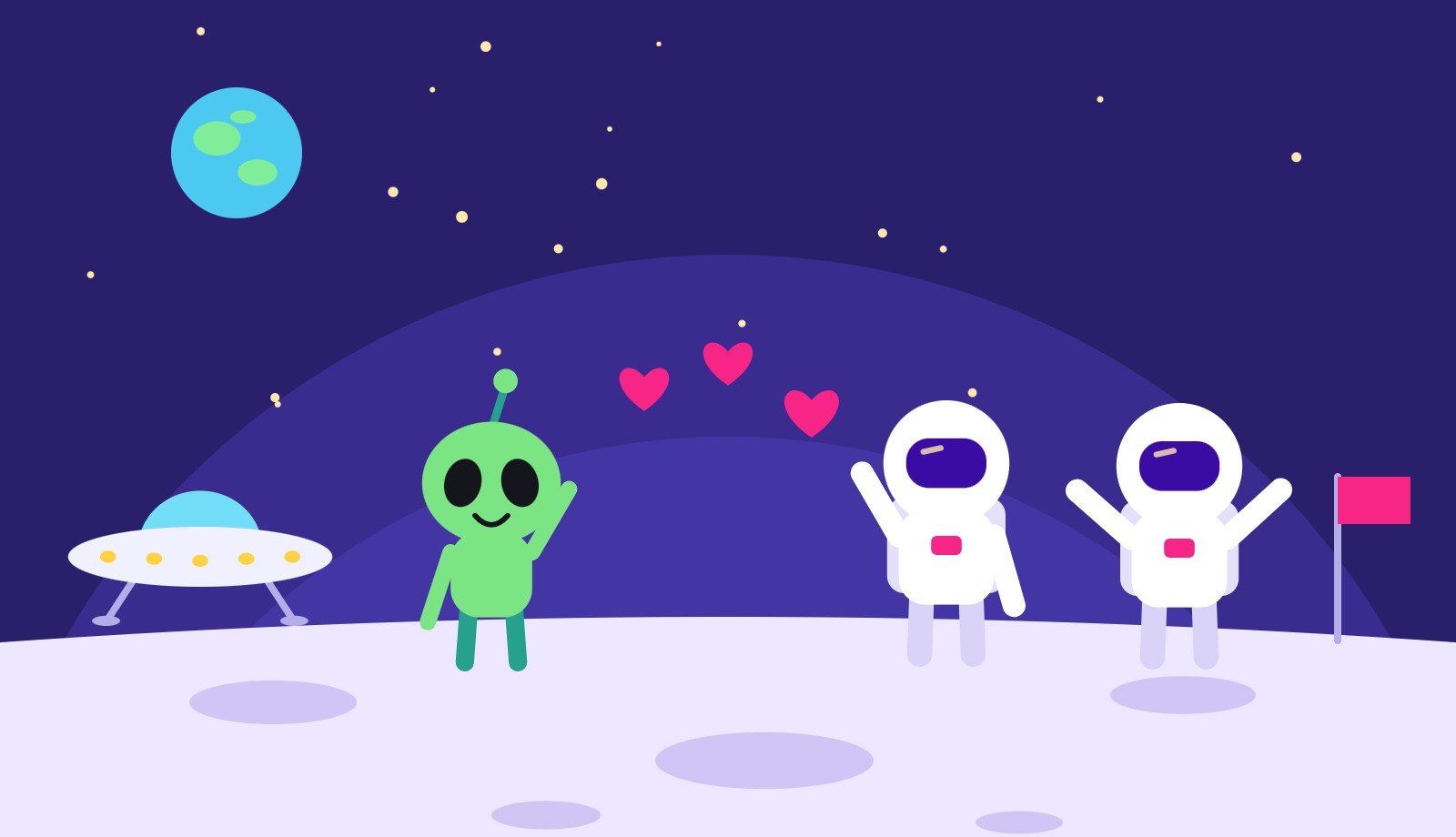
Make an animated scene as ONE self-contained HTML file (inline SVG + vanilla JavaScript, no libraries, no external images or fonts), 16:9, looping every 6 seconds. Scene: [DESCRIBE YOUR SCENE HERE]. Draw every character and object from simple SVG shapes (ellipses, rounded rectangles, paths, thick round-capped lines for arms and legs). Drive everything from one time variable so the loop is seamless. Style: FLAT VECTOR. Modern flat motion graphics: bold solid shapes, no outlines, no gradients, no textures. Palette of 6 to 8 colors (deep purple background #2A1F6B, pink #F72585, cyan #4CC9F0, mint #80ED99, yellow #FFB703, white, lilac #EDE8FF). Use big simple geometric shapes in the background for depth. Smooth 30 fps with ease-in-out moves and a small overshoot (back-out easing) on every entrance.
06Comic Book
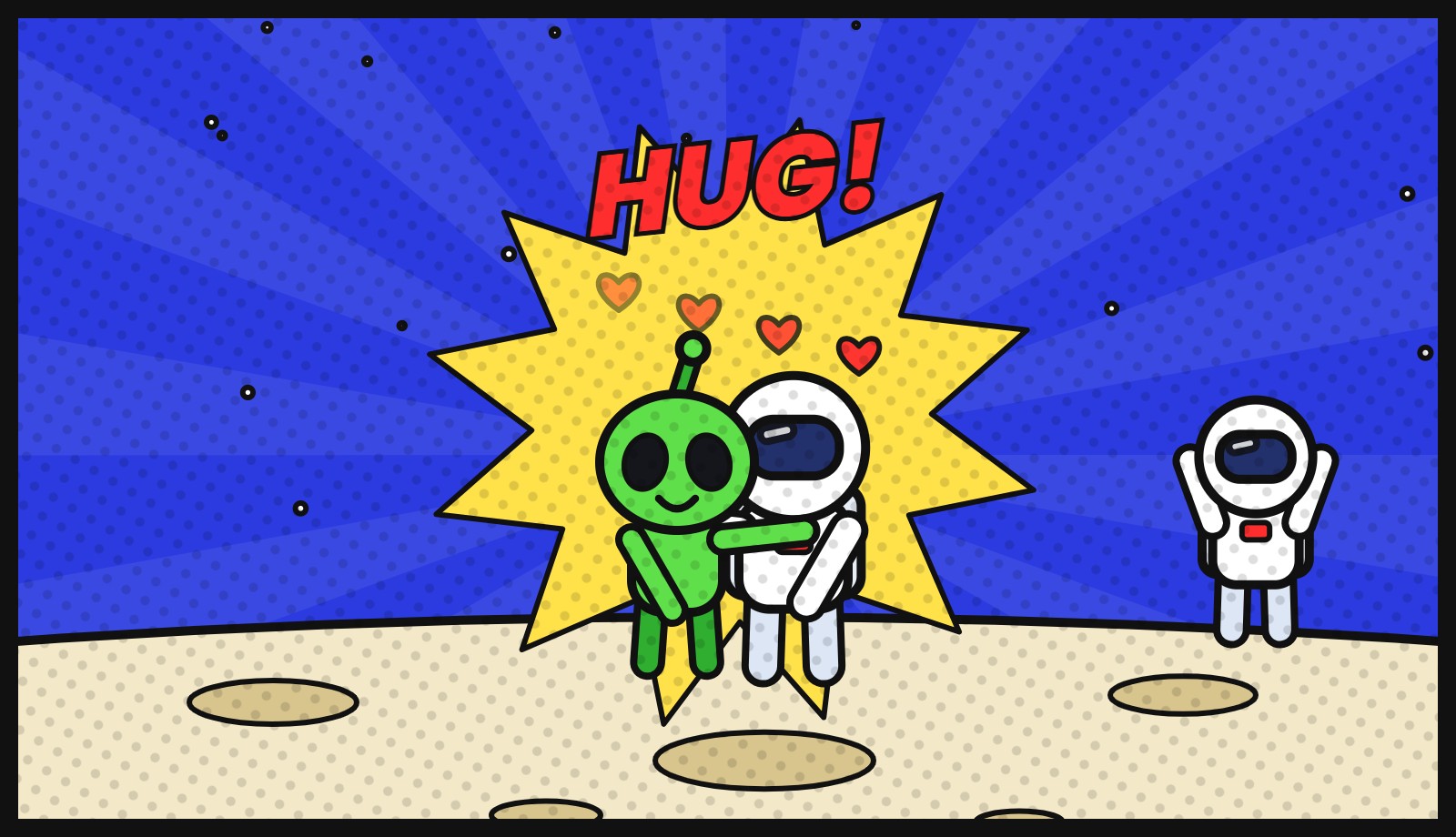
Make an animated scene as ONE self-contained HTML file (inline SVG + vanilla JavaScript, no libraries, no external images or fonts), 16:9, looping every 6 seconds. Scene: [DESCRIBE YOUR SCENE HERE]. Draw every character and object from simple SVG shapes (ellipses, rounded rectangles, paths, thick round-capped lines for arms and legs). Drive everything from one time variable so the loop is seamless. Style: COMIC BOOK. A pop-art comic panel: saturated flat colors with a thick black outline (5 px, round joins) on every shape; arms and legs are a black line with a slightly thinner colored line on top. Cover the whole frame with a halftone pattern (12-px grid rotated 30 degrees, black dots, about 13% opacity), put radiating light rays in the background and a 10-px black border around the panel. At the key moment show an action word (for example "HUG!") in bold italic with a black stroke inside a yellow starburst. 12 fps with snappy poses.
07Chalkboard
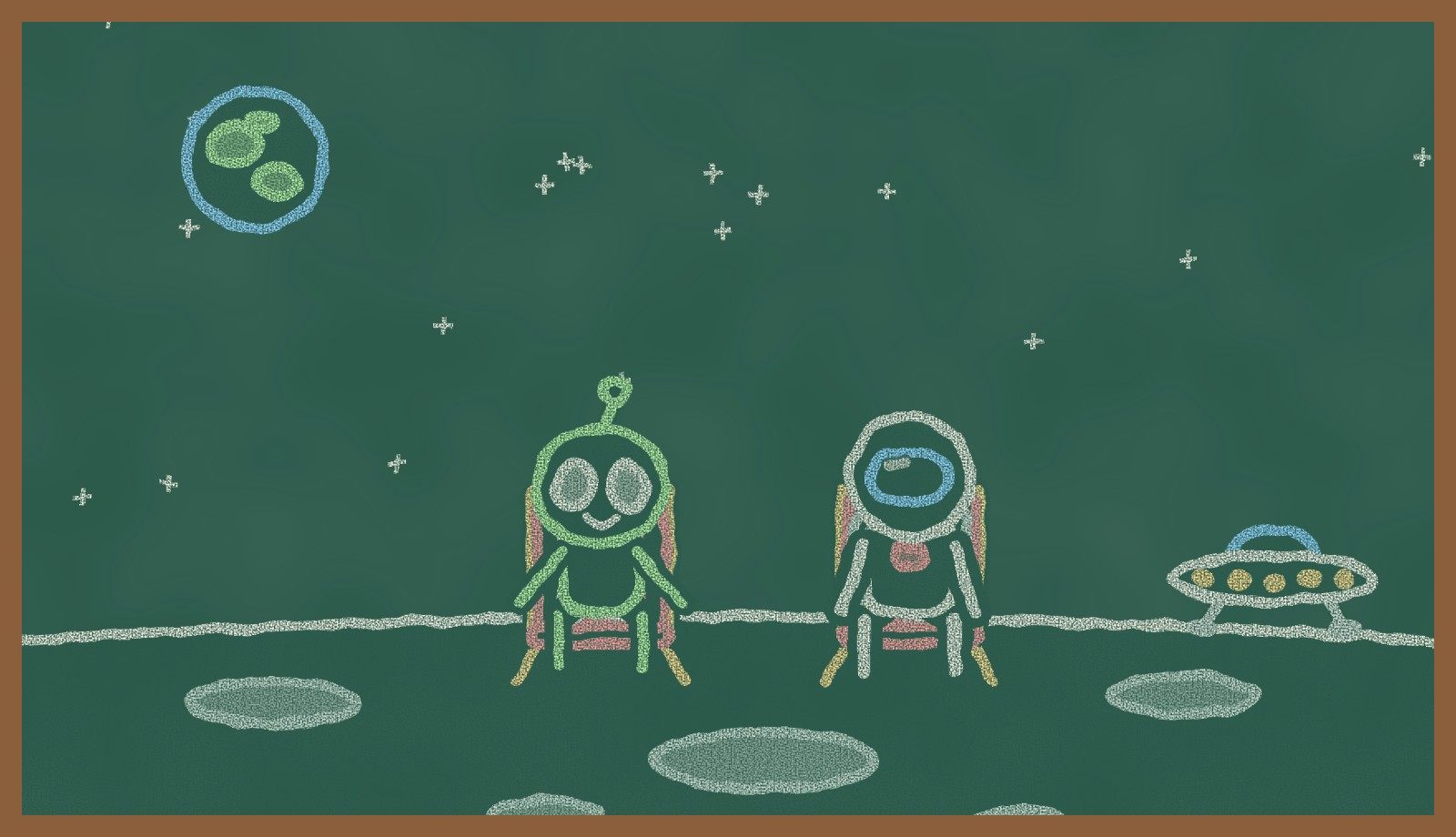
Make an animated scene as ONE self-contained HTML file (inline SVG + vanilla JavaScript, no libraries, no external images or fonts), 16:9, looping every 6 seconds. Scene: [DESCRIBE YOUR SCENE HERE]. Draw every character and object from simple SVG shapes (ellipses, rounded rectangles, paths, thick round-capped lines for arms and legs). Drive everything from one time variable so the loop is seamless. Style: CHALKBOARD. A green chalkboard (#2C5A4B) with a wooden frame. Everything is drawn in chalk: off-white and pastel strokes 5 to 6 px wide; fill shapes with the board color so they hide what is behind. Chalk texture = an SVG filter: feTurbulence (fractalNoise, baseFrequency 0.055) + feDisplacementMap scale 5 to make the lines wobble, then mask the result with a fine noise (baseFrequency 1.1) so the strokes look dusty. Animate at 8 fps and change the turbulence seed on every frame so the lines "boil" like hand-drawn animation.
08Claymation
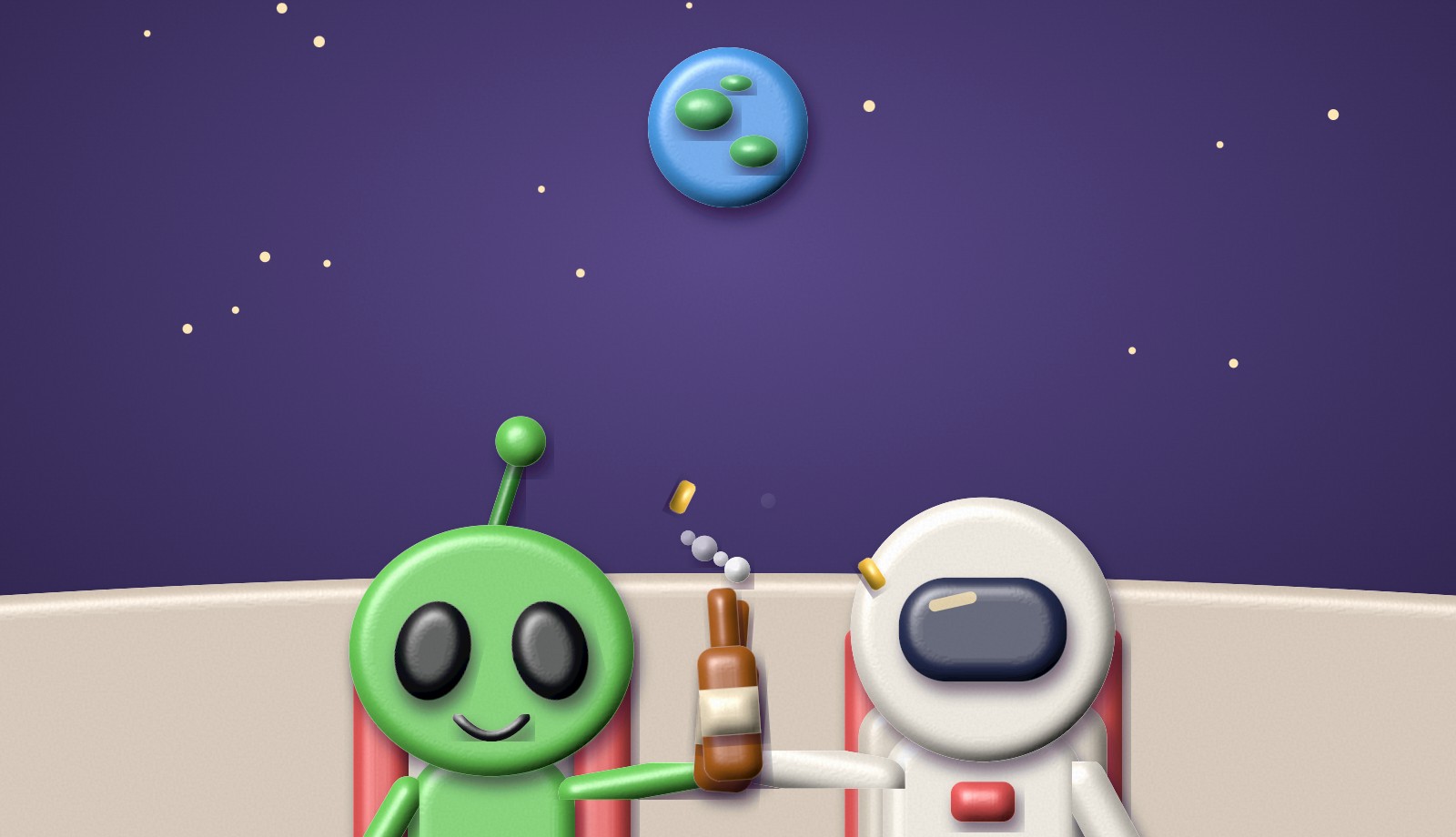
Make an animated scene as ONE self-contained HTML file (inline SVG + vanilla JavaScript, no libraries, no external images or fonts), 16:9, looping every 6 seconds. Scene: [DESCRIBE YOUR SCENE HERE]. Draw every character and object from simple SVG shapes (ellipses, rounded rectangles, paths, thick round-capped lines for arms and legs). Drive everything from one time variable so the loop is seamless. Style: CLAYMATION. Stop-motion modelling clay: rounded chunky shapes in warm saturated colors. Light every shape like a 3D lump of clay with an SVG lighting filter: blur the alpha (stdDeviation 4.5) → feDiffuseLighting (surfaceScale 7, distant light azimuth 235, elevation 52) multiplied over the color → feSpecularLighting (specularExponent 22) added on top for a soft highlight → a soft drop shadow. Dark purple studio backdrop with a radial gradient and subtle grain. 12 fps with tiny imperfections, squash and stretch.
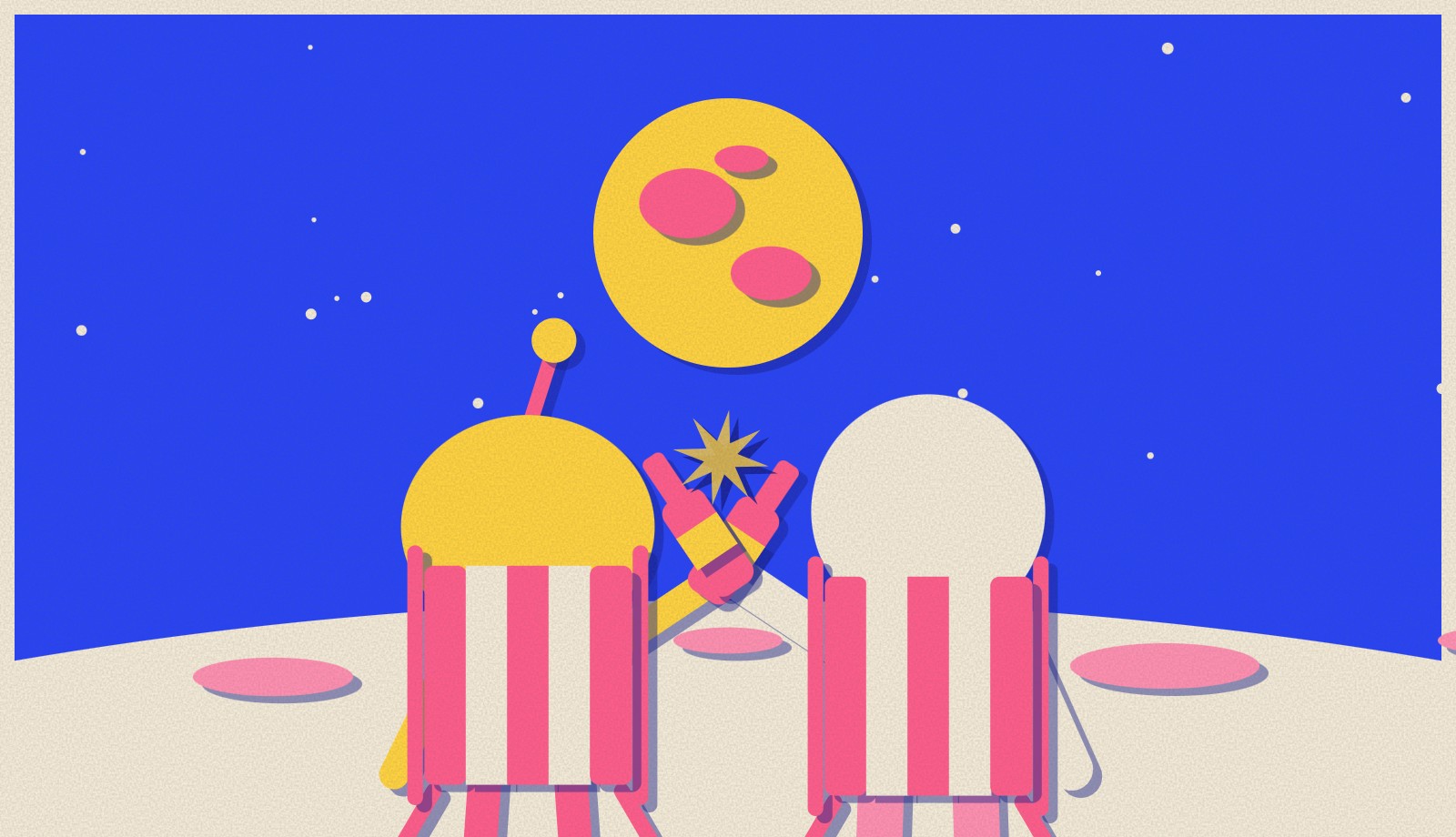
09Risograph
Make an animated scene as ONE self-contained HTML file (inline SVG + vanilla JavaScript, no libraries, no external images or fonts), 16:9, looping every 6 seconds. Scene: [DESCRIBE YOUR SCENE HERE]. Draw every character and object from simple SVG shapes (ellipses, rounded rectangles, paths, thick round-capped lines for arms and legs). Drive everything from one time variable so the loop is seamless. Style: RISOGRAPH. A three-ink riso print: use ONLY cream paper #F3EAD7, blue #2742F5, pink #FF5C8A and yellow #FFD23F. Flat shapes, no outlines. Fake the misregistration: draw every colored shape twice, first a dark-blue ghost (#141C8A at 45%) shifted 5 px right and 4 px down, then the real shape on top. Multiply a heavy grain over everything (feTurbulence fractalNoise baseFrequency 0.85) and leave an 8-px cream paper margin around the frame. 12 fps.
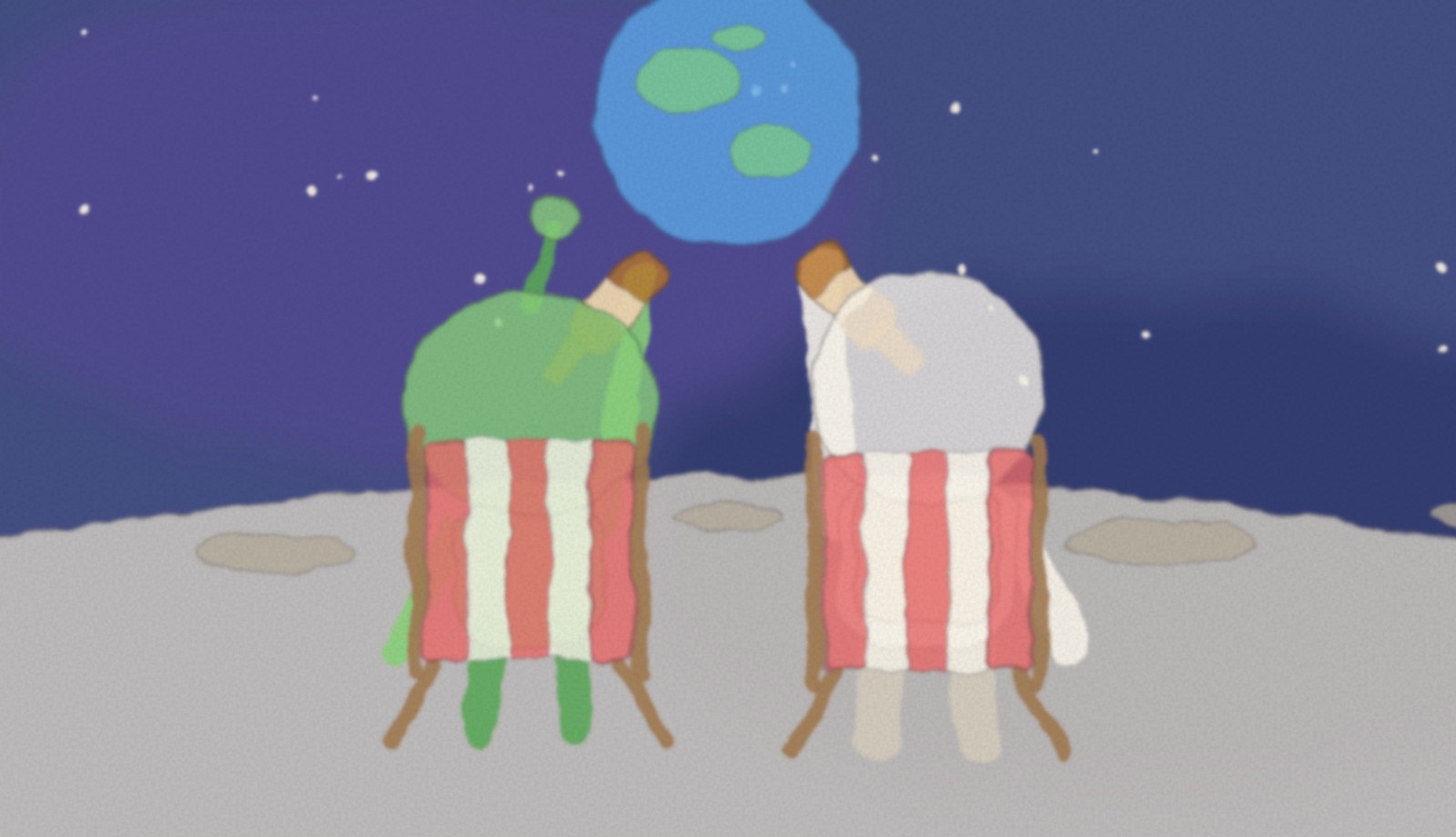
10Watercolor
Make an animated scene as ONE self-contained HTML file (inline SVG + vanilla JavaScript, no libraries, no external images or fonts), 16:9, looping every 6 seconds. Scene: [DESCRIBE YOUR SCENE HERE]. Draw every character and object from simple SVG shapes (ellipses, rounded rectangles, paths, thick round-capped lines for arms and legs). Drive everything from one time variable so the loop is seamless. Style: WATERCOLOR. Hand-painted watercolor on cream paper #F6F0E2: soft translucent fills (80% opacity) with a thin, slightly darker edge. Pass all the artwork through a filter that wobbles the edges (feTurbulence fractalNoise baseFrequency 0.035, 3 octaves + feDisplacementMap scale 9) and blurs it 0.9 px. The background is a large blurred wash of indigo and violet (displacement 60, blur 14) that does not reach the paper edges evenly. Multiply a paper grain on top. Slow, smooth 30 fps motion; change the turbulence seed every 6 frames so the paint seems to breathe.
このパックの8個のスキル
- design260k
#1pixel-art
写真をレトロなピクセルアートに変え、クラシックなコンソールのパレットを使います。さらに、短いループのMP4やGIFにアニメーション化することもできます。
パックに入っている理由: Turns a photo into real pixel art and can animate it into a short loop. Goes with style 01.
スキルを見る → - video78k
#2hyperframes
HyperFrames を使って動画を作る、編集する、アニメーションにする、レンダリングするためのガイドです。HTML をフレームごとに動画へ変換します。
パックに入っている理由: Builds captioned videos from code: use it to turn your animation into a finished clip.
スキルを見る → - video75k
#3motion-graphics
キネティックタイポグラフィ、数値のカウントアップ、ロゴのスティングなど、動きがメッセージを伝える短いデザイン重視のモーショングラフィックスを作るようエージェントを支援します。
パックに入っている理由: Short motion graphics with no voiceover, where the motion is the message. Goes with the flat vector style.
スキルを見る → - video101k
#4huashu-art-motion
芸術的なアニメーションやナレーションの作成を支援します。アートスタイルと、時間に同期したアニメーションを作るためのツールを提供します。
パックに入っている理由: Artistic animations and visual explanations in dozens of art styles, when you want to go beyond these ten.
スキルを見る → - video101k
#5sprite-animation
エージェントがピクセルアート風のアニメーション付き解説スライドを作成できるようにします。アニメーションするマスコットとキネティックテキストを含む教育動画のフレームのような見た目で、そのまま録画に使えます。
パックに入っている理由: An animated slide in old video game style, with a pixel art character.
スキルを見る → - design48k
#6claymorphism
ソフトな3D要素と角の丸い形状を使ったインターフェースを、エージェントが作成できるようにします。アプリに、現代的で手触りが感じられる見た目を与えたいときに便利です。
パックに入っている理由: The soft clay look for interfaces, a cousin of the claymation style.
スキルを見る → - docs260k
#7excalidraw
フローチャート、アーキテクチャの地図、シーケンス図などの手描き風の図を、開いて編集できるExcalidrawファイルとして作成します。
パックに入っている理由: Hand-drawn diagrams you can edit, a cousin of the chalkboard style.
スキルを見る → - video48k
#8threejs-animation
Three.jsライブラリを使って3Dアニメーションを作成します。オブジェクトのアニメーション化や動きの組み合わせに対応し、Webプロジェクトの3Dモデルを動かせます。
パックに入っている理由: 3D animation in the browser, for when flat shapes are not enough.
スキルを見る →
よくある質問
How do I use the 10 prompts?
Pick a style, copy its prompt, replace [DESCRIBE YOUR SCENE HERE] with your own scene and paste it into Claude (or any AI that writes code). It answers with one HTML file: open it in your browser to watch the animation. To see the same scene in another style, keep your scene and use the next prompt.
Is there a skill with all 10 styles?
Yes. Paste this link into your AI and tell it which style you want: https://raw.githubusercontent.com/pahesilva1/skillpedia-skills/main/claude-animation-styles/SKILL.md . The folder with the skill and a reference picture of each style is at https://github.com/pahesilva1/skillpedia-skills/tree/main/claude-animation-styles . In Claude Code, Codex or Cursor you can install it with: npx skills add pahesilva1/skillpedia-skills --skill claude-animation-styles
Do I need to install anything?
No. The prompts work in any chat with an AI that writes code. The skills in this pack are optional extras: they help when you want pixel art from a photo, a finished MP4 with voice and captions, or 3D.